From the workbench
Feature deep-dives, announcements, and notes on building a data workbench where deterministic signals beat model vibes.
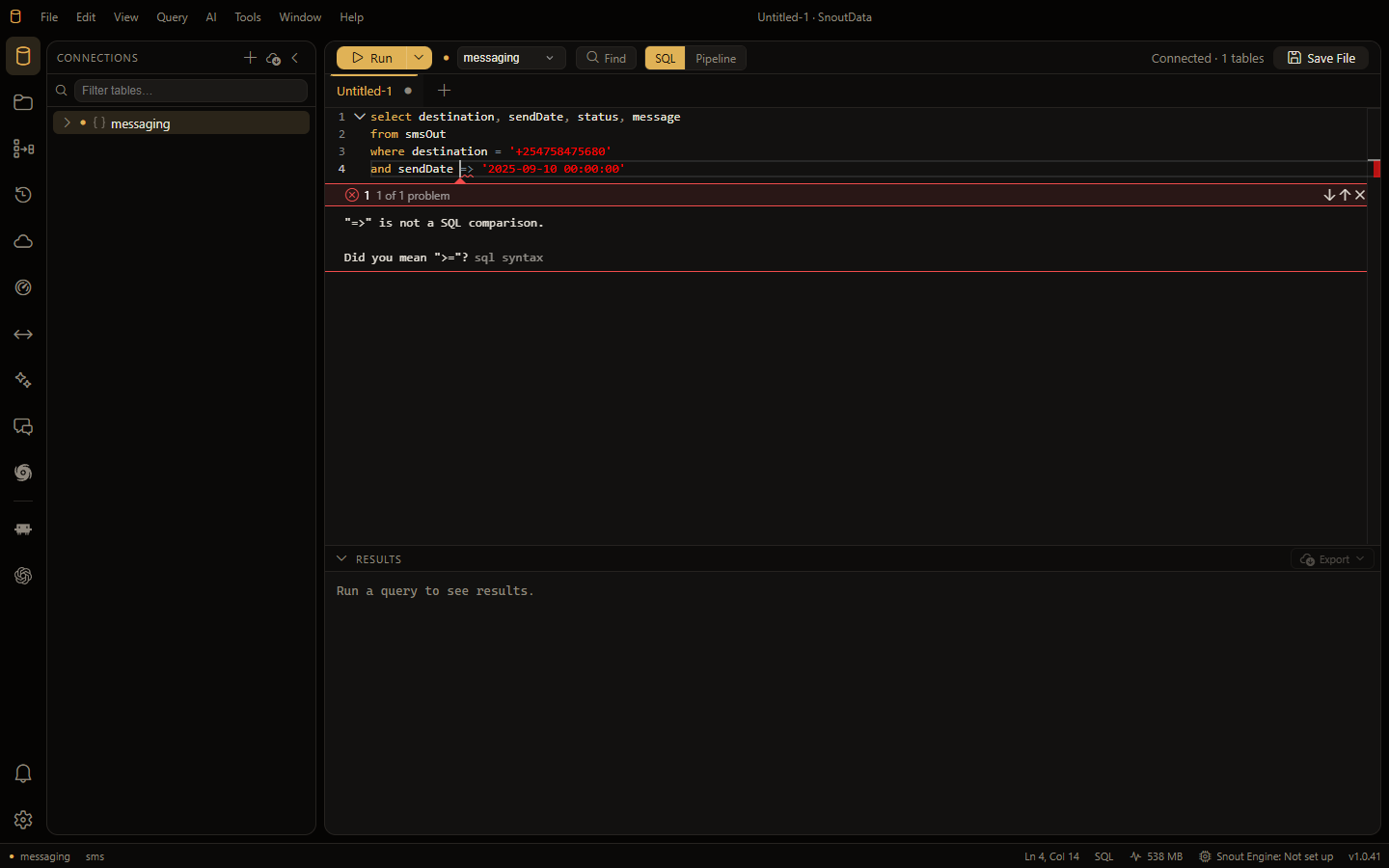
Nine places your database hides its slowest queriesEvery engine records its own heaviest statements, and every engine puts them somewhere else under a different name. Query Performance asks whichever one your connection has, ranks them the same way on all of them, and hands one to the assistant to explain or fix.Read post →- One character wrong, and we offered to spend your AI budget on itA user typed => where they meant >=, and the app told them to write a simpler query, then offered a model to translate a statement no model can read. What the editor says now, why the difference is a classification rather than a message, and why nothing about the fix calls a model.
- Turn documents into a pgvector table, then search it the way your app willData Flows now write vectors to any Postgres with pgvector, embedded by the model you choose, and every such flow gets a search that shows each passage, its score and where it came from, plus a benchmark that scores two flows on your own questions.
- SnoutData Cloud: a Postgres of your own, and the backend in front of itA hosted project: a Postgres 17 database with sign-in, storage, realtime, a REST and GraphQL API and your own TypeScript functions in front of it. One command for a project, one URL change for a client already written against this API shape, and a CLI your coding agent can drive.
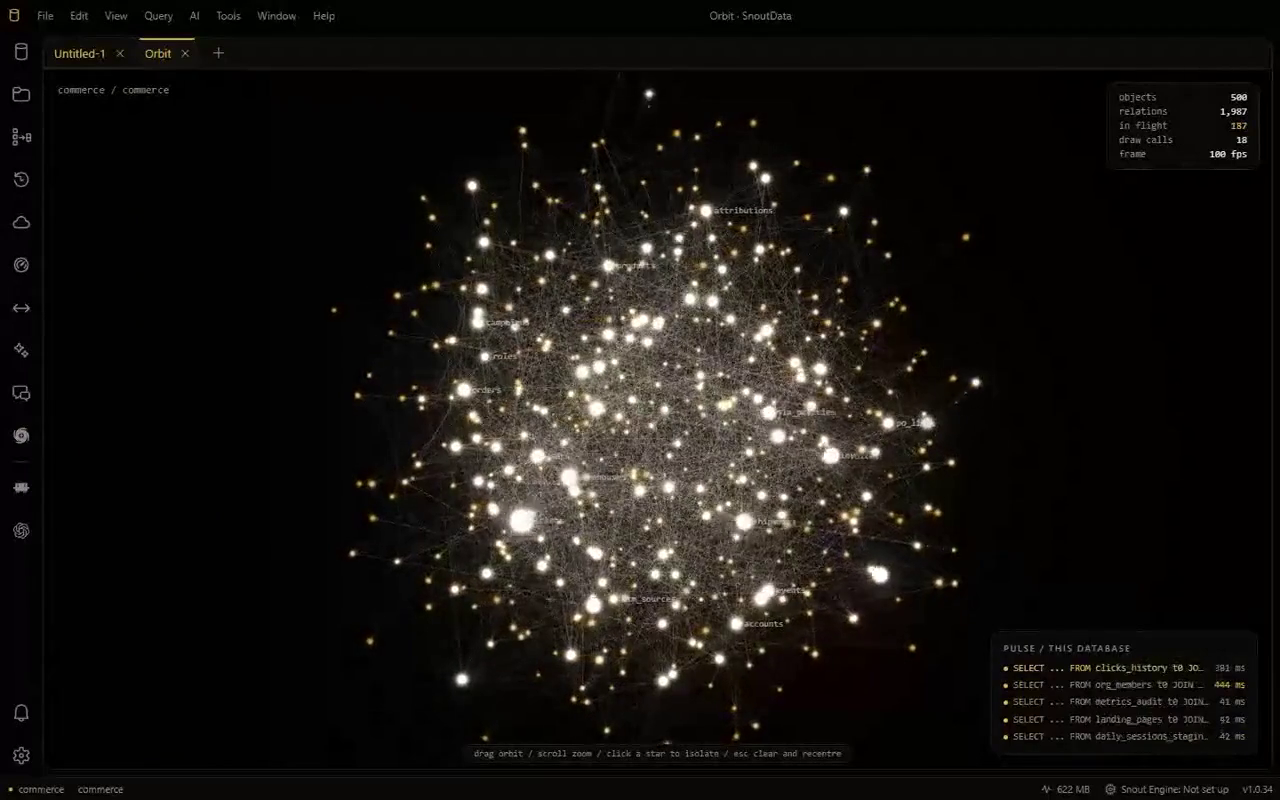
- Orbit: see what your database is shaped like, and what it is doing right nowEvery table a star, every foreign key a filament, and the traffic drawn on top: statements travelling the graph as they run. What this app ran, or what the whole database is running, and no model on any frame.
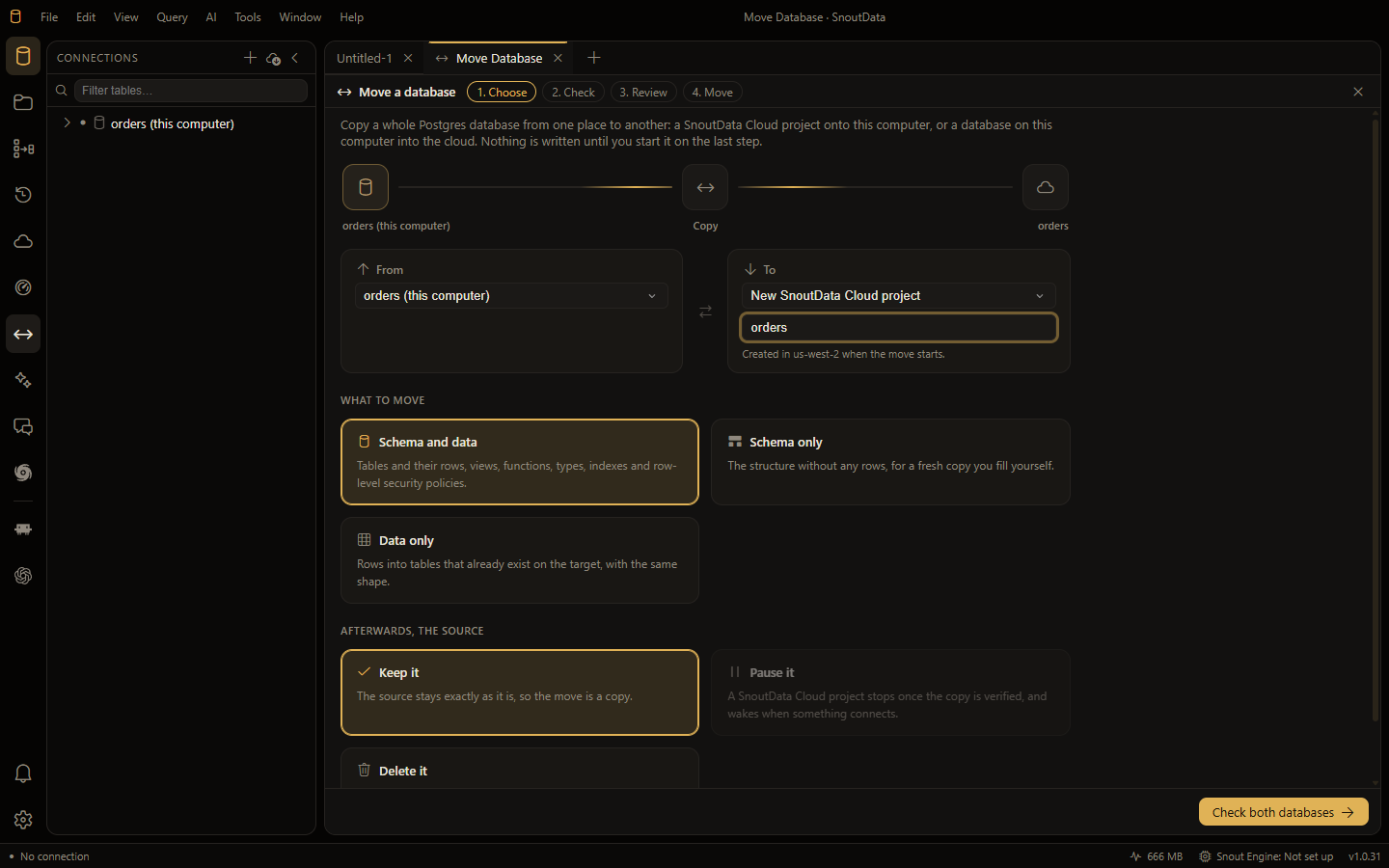
- Move a whole Postgres database to the cloud and back, and count every rowCopy a database between your computer and SnoutData Cloud in either direction. Both ends checked before anything runs, a copy saved before a replace, and a report that compares every table's rows on both sides.
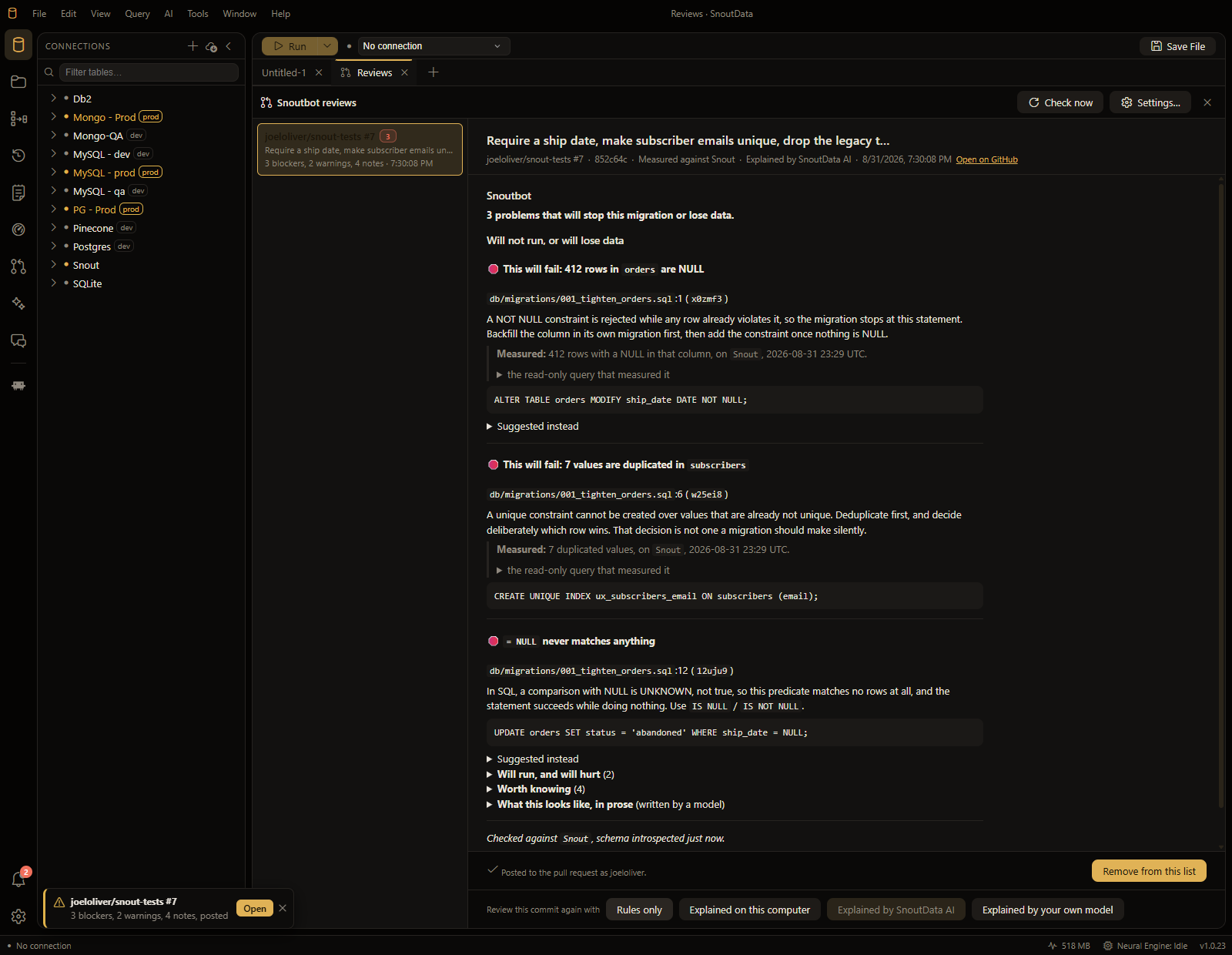
- Your migration is going to fail, and we can tell you which row does itSnoutbot reviews the database change in a pull request against the database it is about to land on. Not "this looks risky", but "this will fail, 412 rows are NULL right now", with the read-only query that measured it. On your machine, over your own connections.
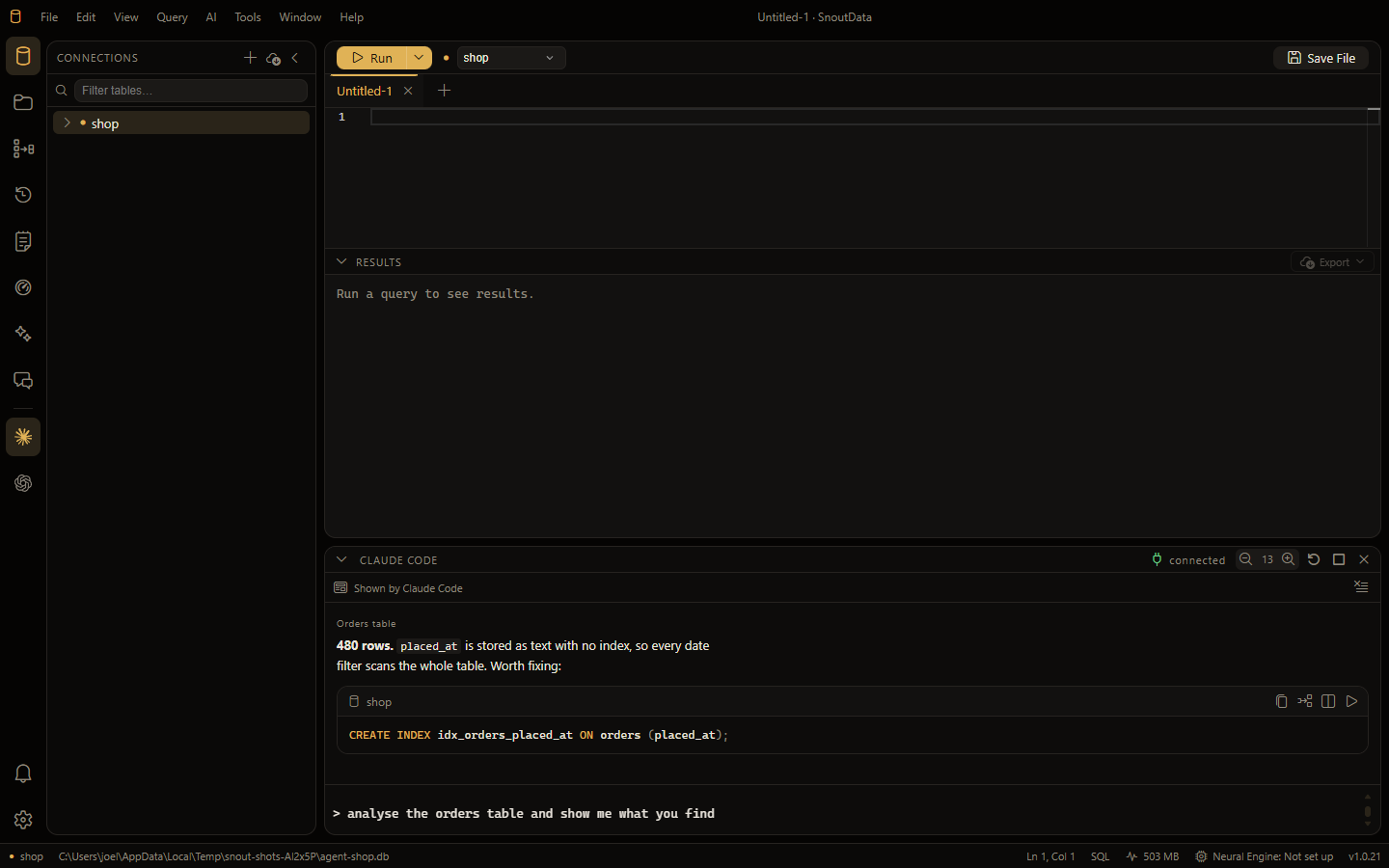
- Claude Code, Codex and opencode now run inside the appYour own coding agent, in a panel in SnoutData, in your workspace, with your databases handed to it the moment it starts. It drives the app and draws real interface into it, and it never receives your credentials.
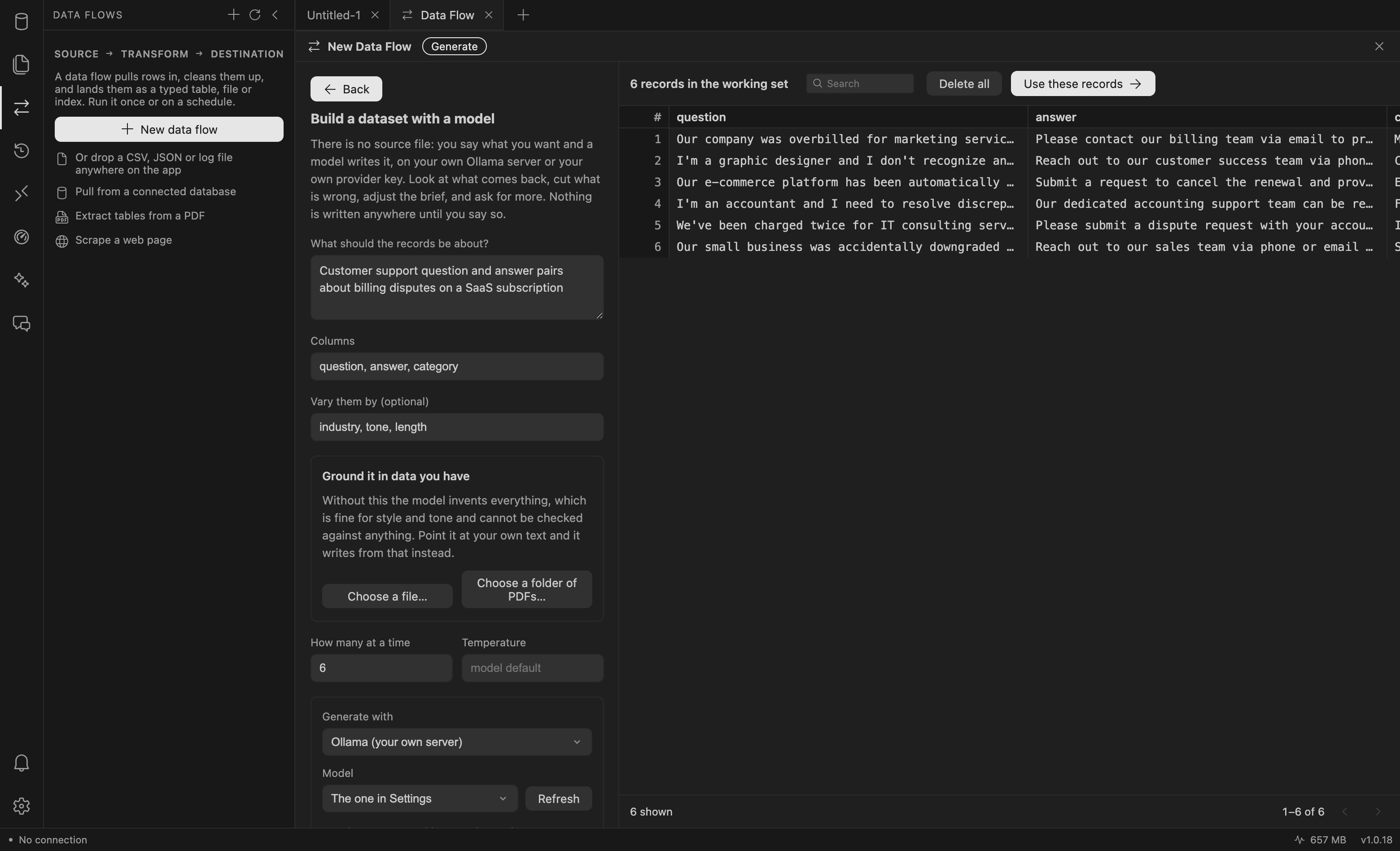
- When the data does not exist yet, generate itName the subject, the columns and how many, and a model writes the records on your own Ollama server or your own vendor key. Never on our gateway. Seed it from your own files, edit it in a workbench, and land it as a fine-tuning set.
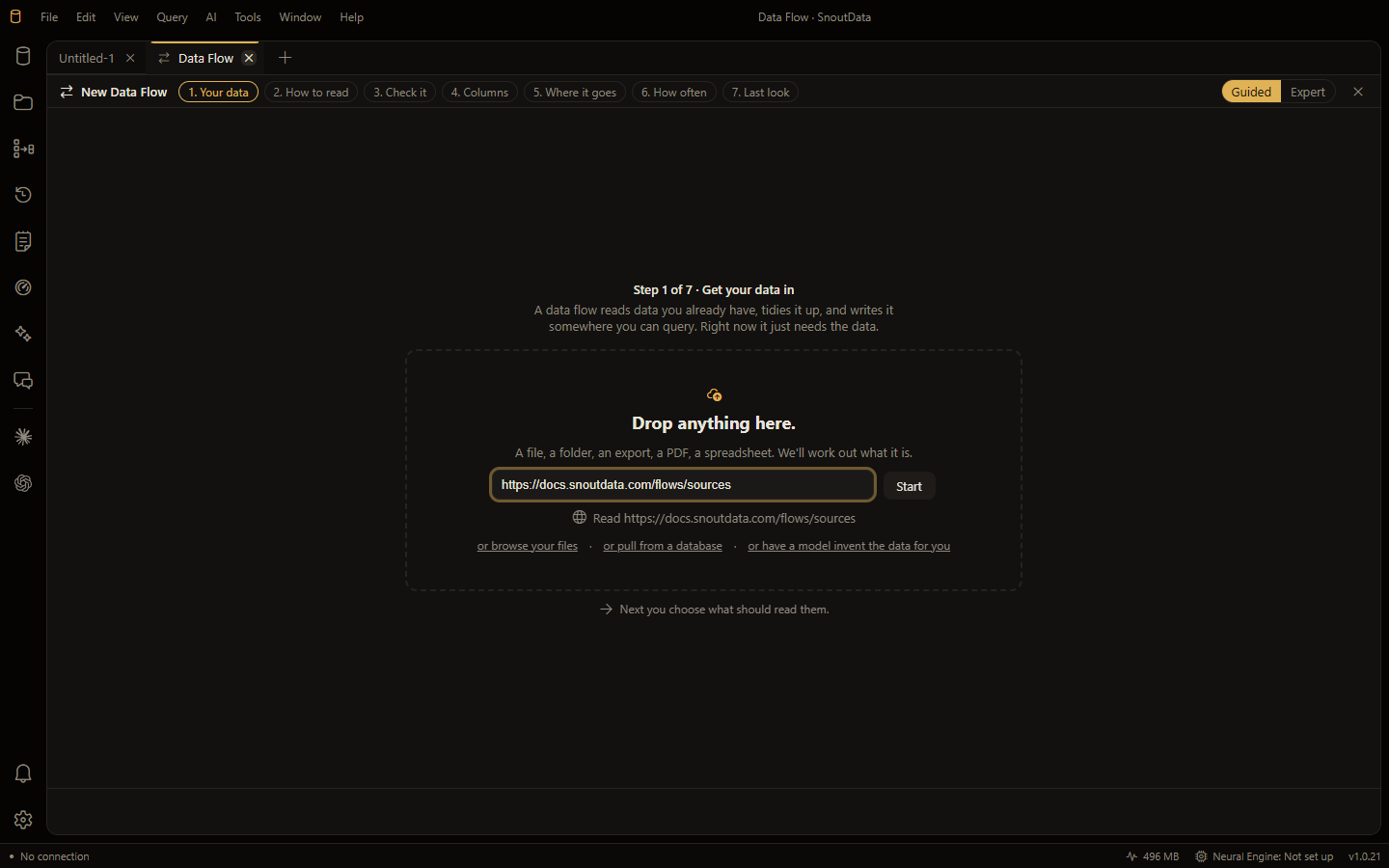
- We read our own website and got one row of boilerplateReading a modern web page means rendering it first, because the HTML the server sends is an empty container. Why that check belongs next to robots.txt rather than inside a reader, and why a crawl has to plan its columns once.
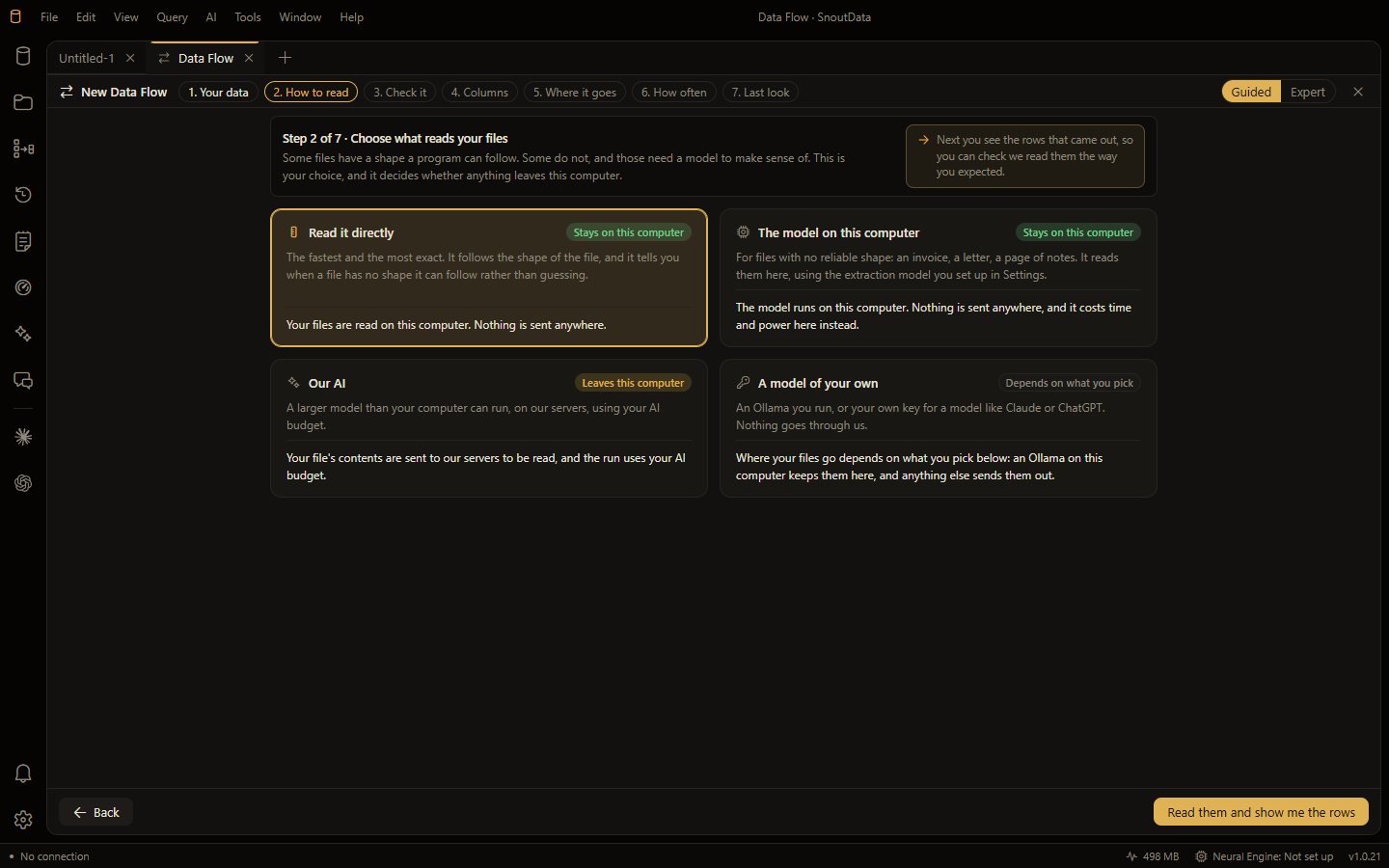
- How your file gets read is your choice, and it says where the data goesFour readers in escalation order, from the parsers on your machine to a model of your own, each stating where your data goes before you pick it. Plus why a table is sampled rather than handed over whole.
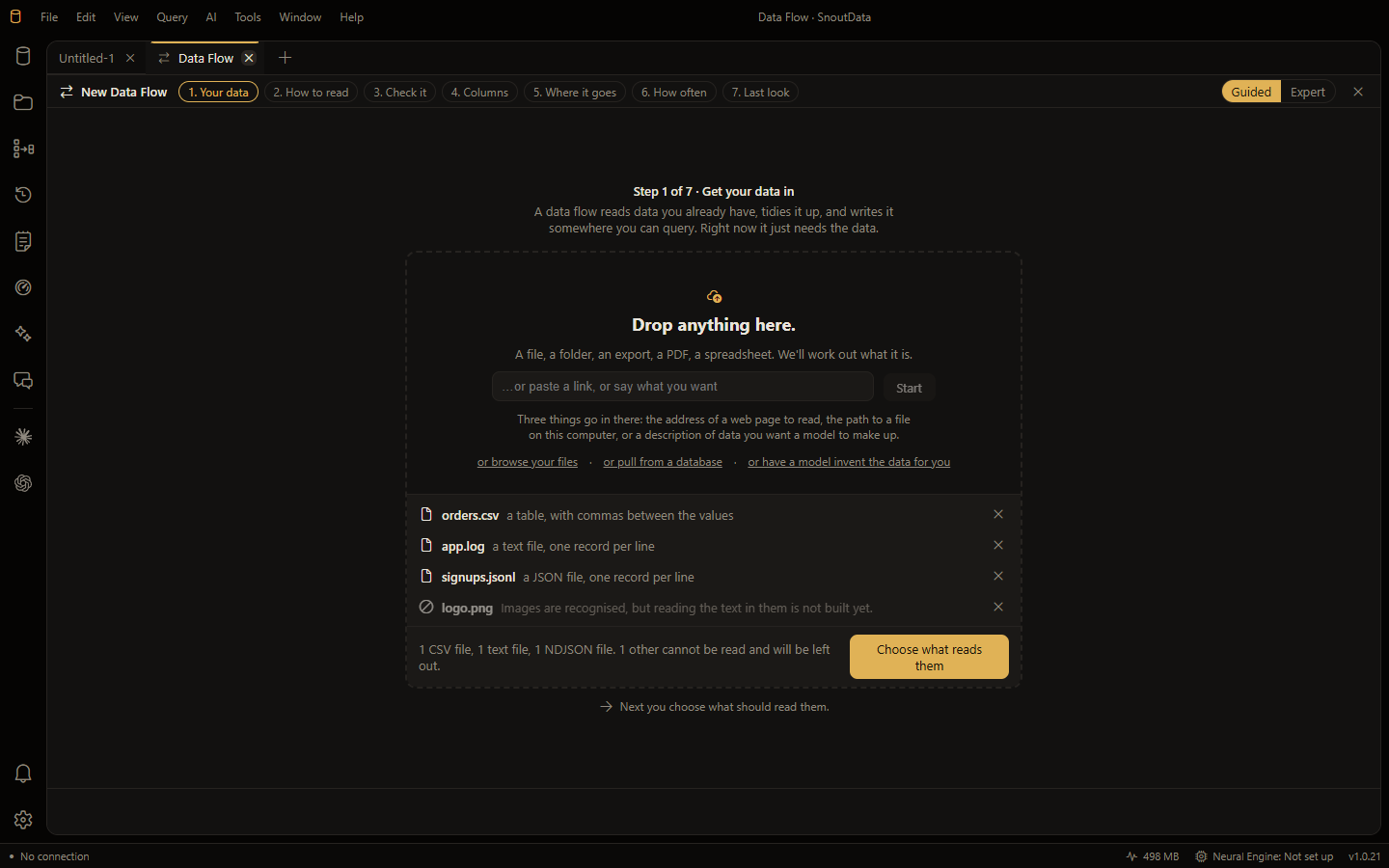
- Drop anything, and recognising it is not the same as reading itThe file extension is a hint, not the answer: content decides. And when something holds no records, declining it by name is a first-class outcome rather than an error.
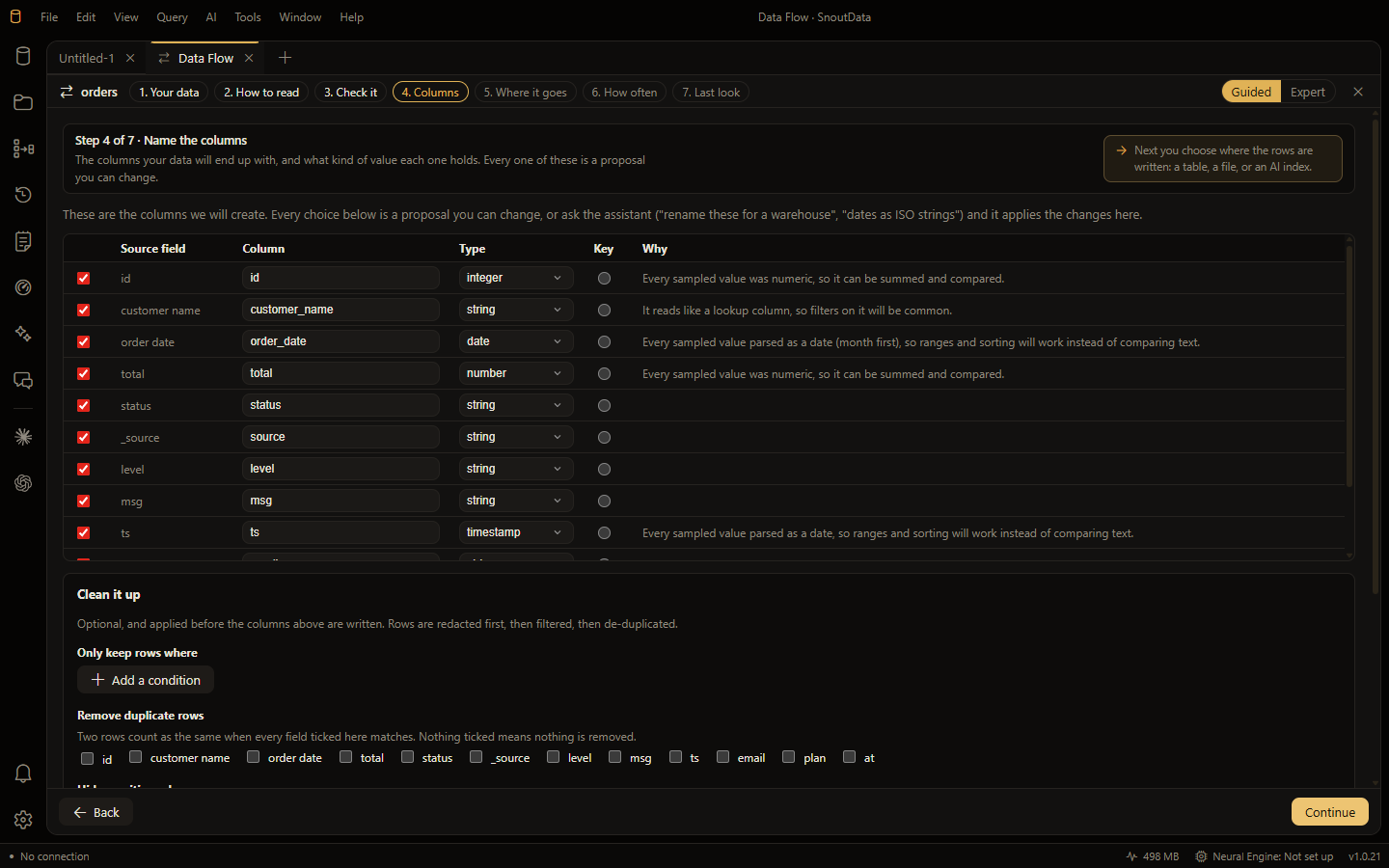
- Drop a file, get a tableData flows: a source, some optional reshaping, and a destination. Typed columns proposed with reasons, repeating groups turned into child tables, the exact statements shown before they run, and a ledger of every run afterwards.
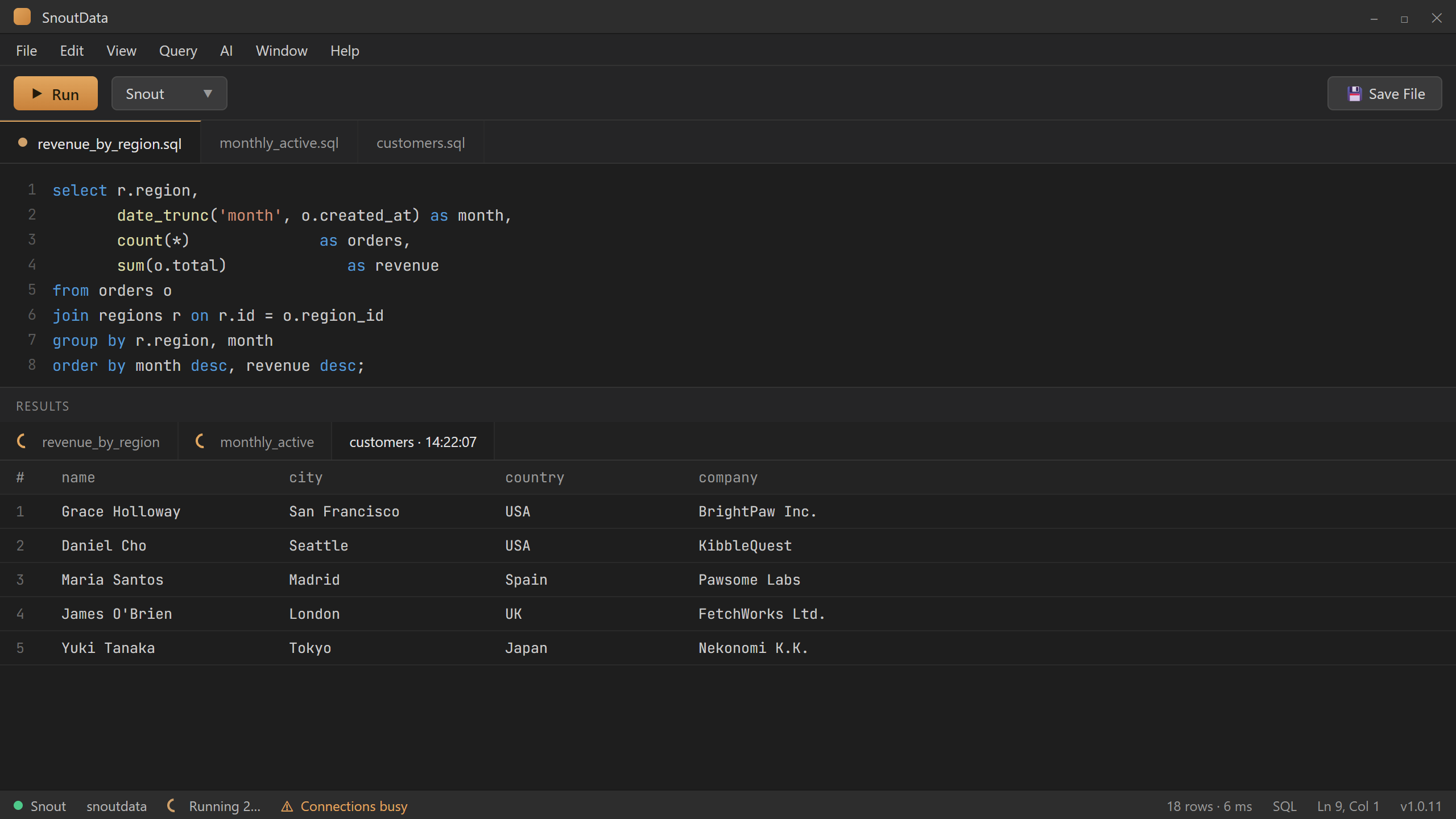
- Run more than one query at a timeA long-running query used to freeze the whole app. Now SnoutData runs your queries concurrently: fire off the slow one, open a new tab, and keep working, with a tunable connection pool and background tasks that never block your query.
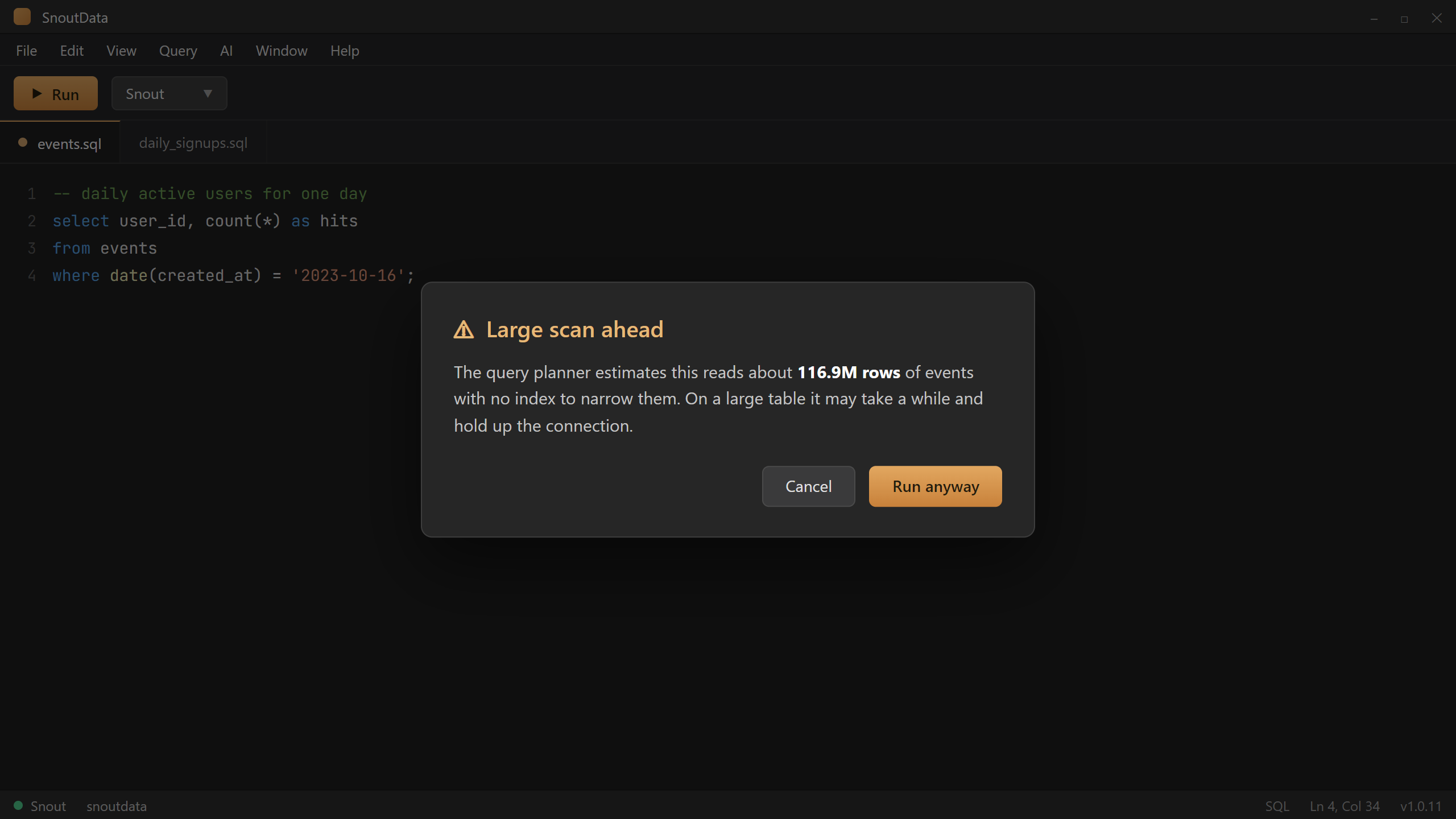
- Your query looks fine. It still scans 116 million rows.SnoutData asks the database's own query planner before running, and warns you before a query full-scans a huge table because an indexed column was wrapped in a function. Deterministic, instant, no model.
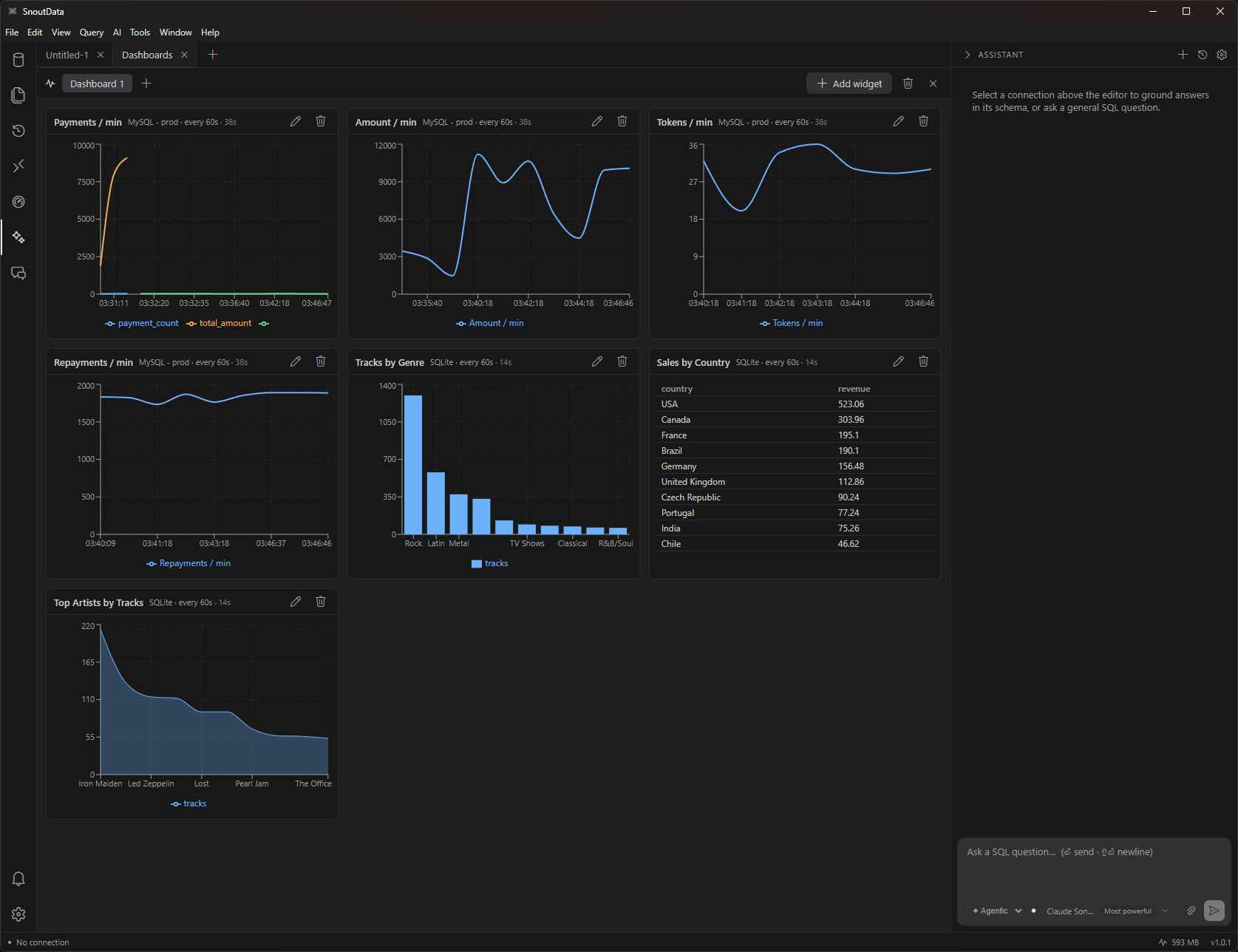
- Live database dashboards, built into the IDEWatch your database move in real time: named dashboards of SQL-backed widgets that poll on an interval and plot the trend, right next to the editor that wrote the query.
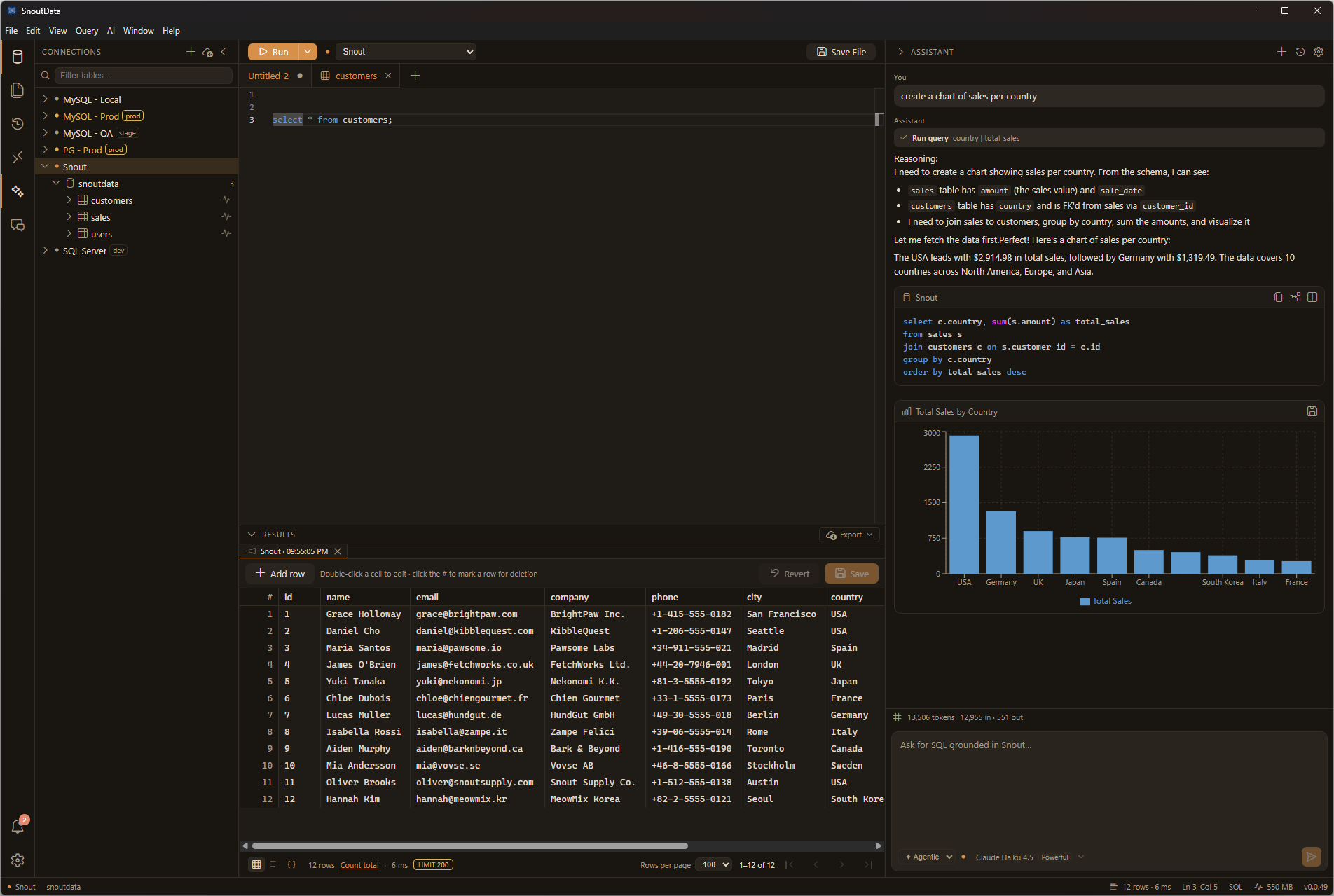
- Charts from a question, with the SQL in viewAsk for a chart in plain language: SnoutData writes the query against your real schema, runs it, and draws the chart, with the SQL always shown and export to PNG, SVG, or CSV.
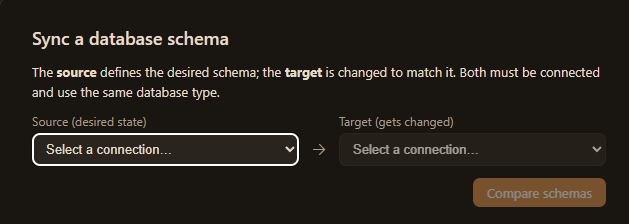
- See exactly what changed: schema diff and syncA two-pane diff between any two schemas with a generated migration preview, so you know what a change does before you run it.
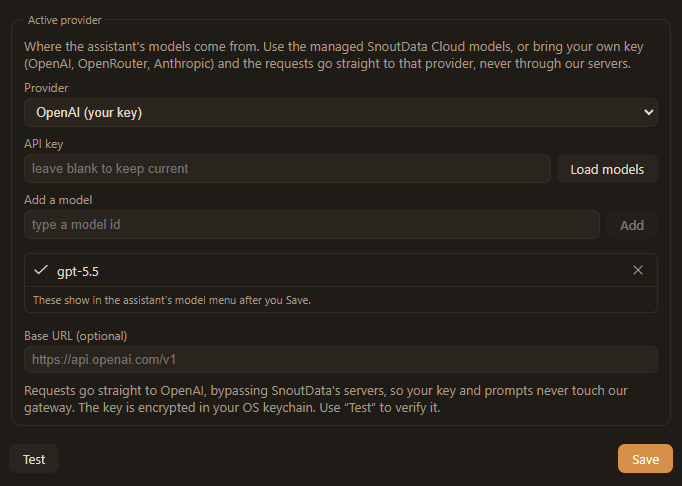
- Bring your own key: your provider, your billOn Plus, Pro and Business, point the assistant straight at your own OpenAI, OpenRouter, or Anthropic key. Requests go directly to that provider, your key stays in the OS keychain, and nothing touches our gateway.
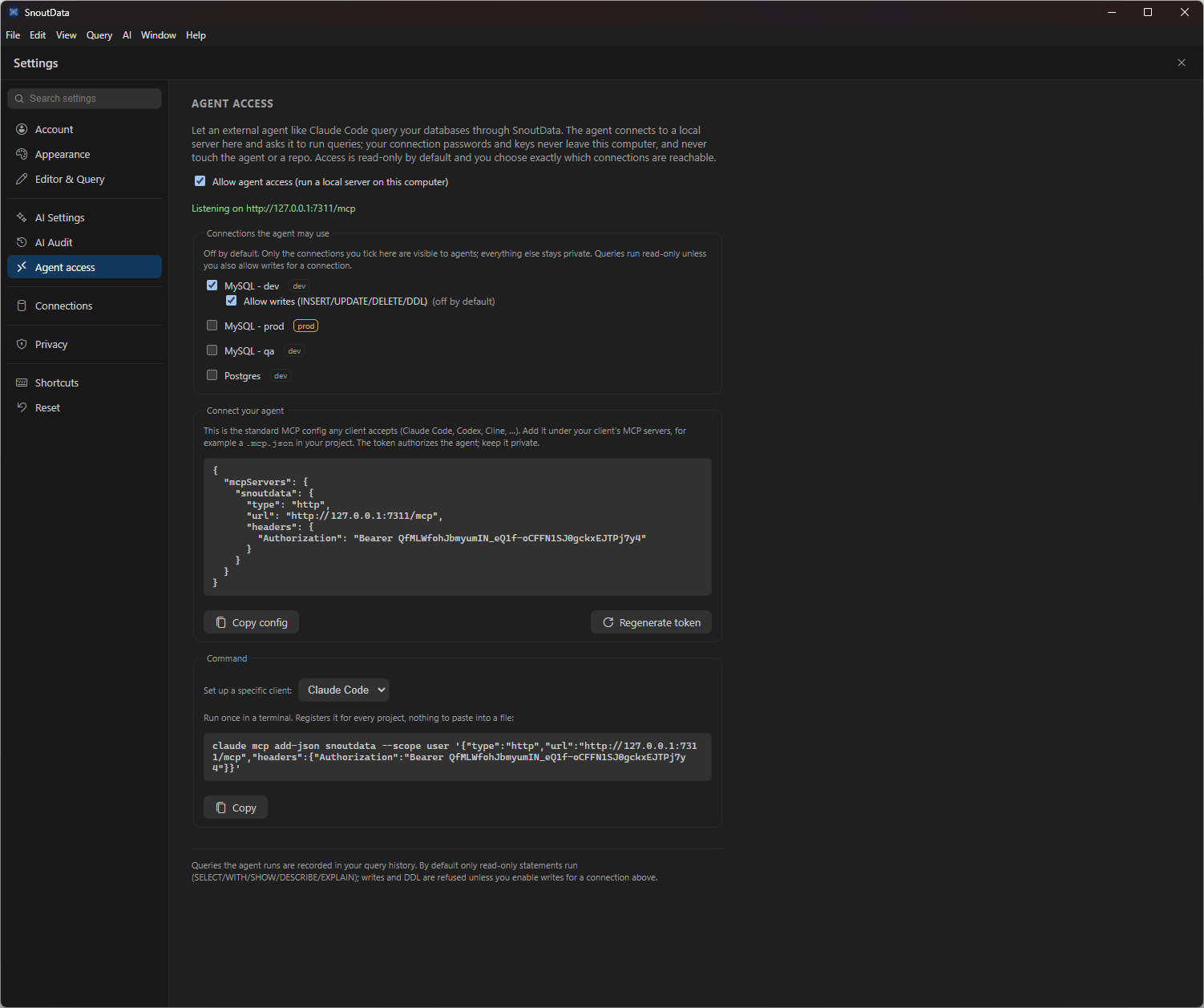
- Let your agent query the database through the app, not a .envSnoutData ships a local MCP server so an external agent can read your databases through the app, with credentials staying in the OS keychain and never landing in a repo or a .env file.
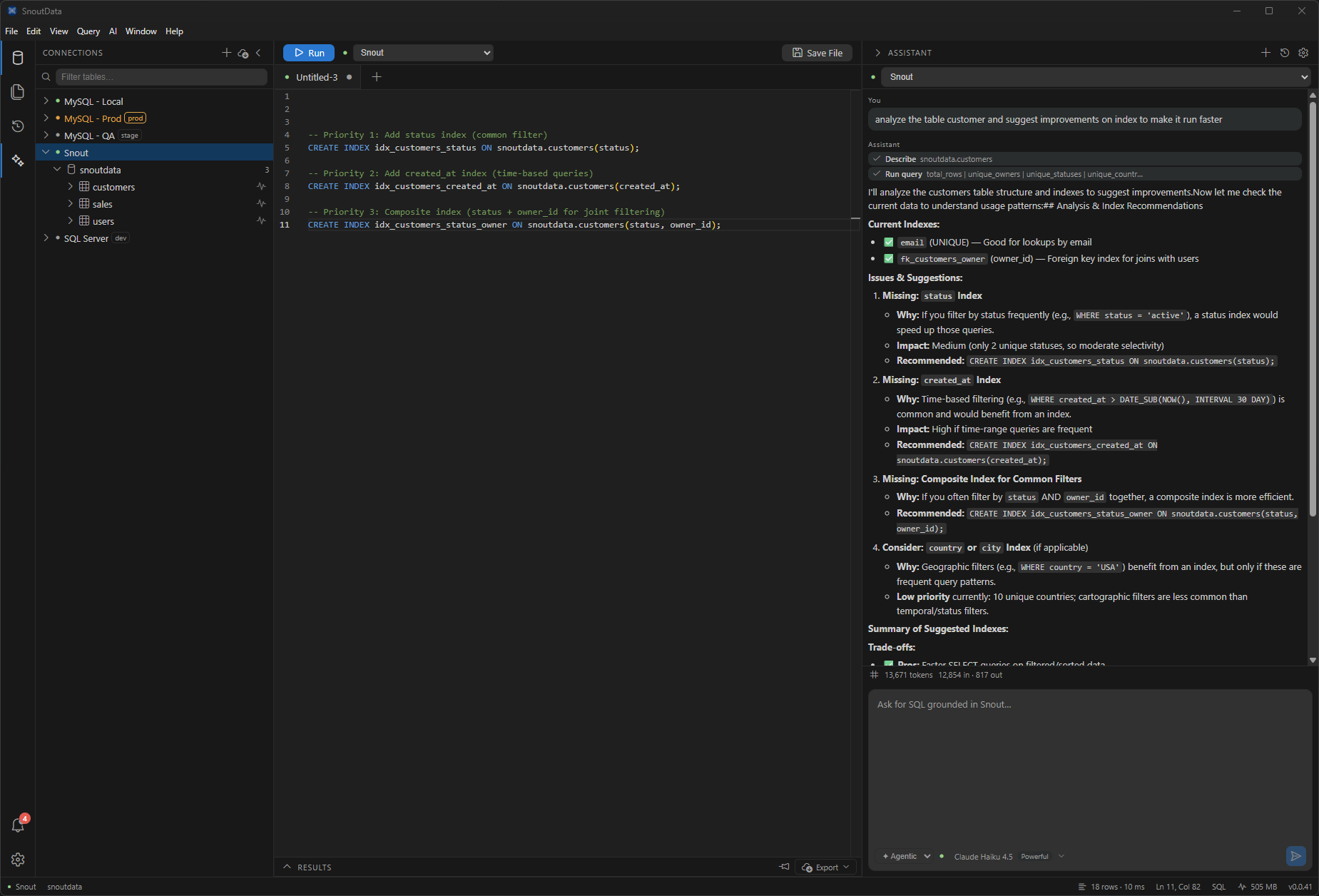
- Ask which indexes your table is missingSnoutData reads a table's real structure and existing indexes, then recommends what is missing and why, with the CREATE INDEX statements ready to run and the trade-offs spelled out.
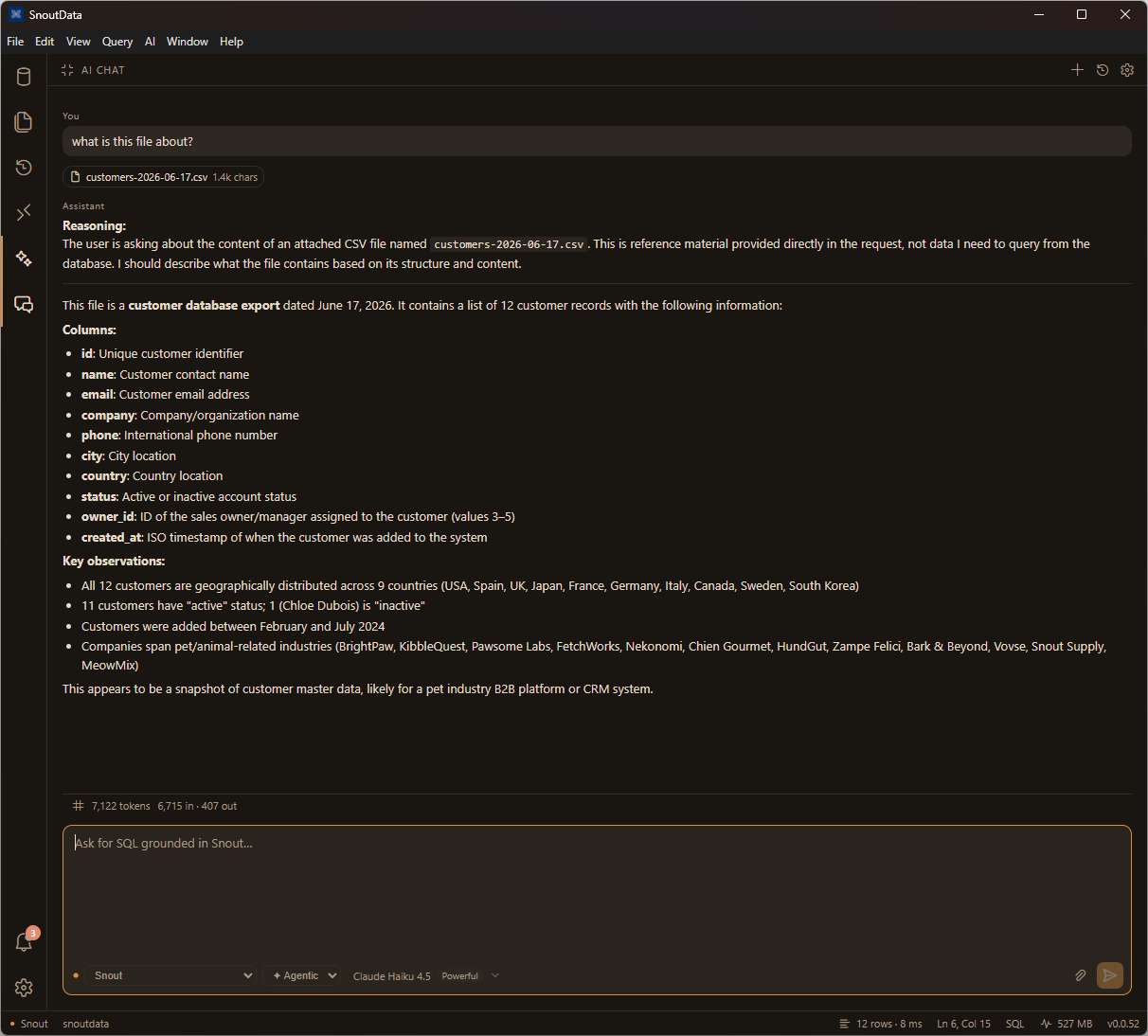
- Ask questions about a CSV, PDF, or spreadsheetAttach a file to the chat and ask about it. SnoutData reads the contents and answers alongside the database it is already connected to, so a document and your live schema sit in one conversation.
- Snout Engine: the layer every query and every prompt goes throughThe cross-cutting core of the app now has a name, a boundary and a test that enforces it. It decides and it runs nothing: three diagrams for what goes in, what comes out, and how a failure it remembers finds its way back into the next prompt.
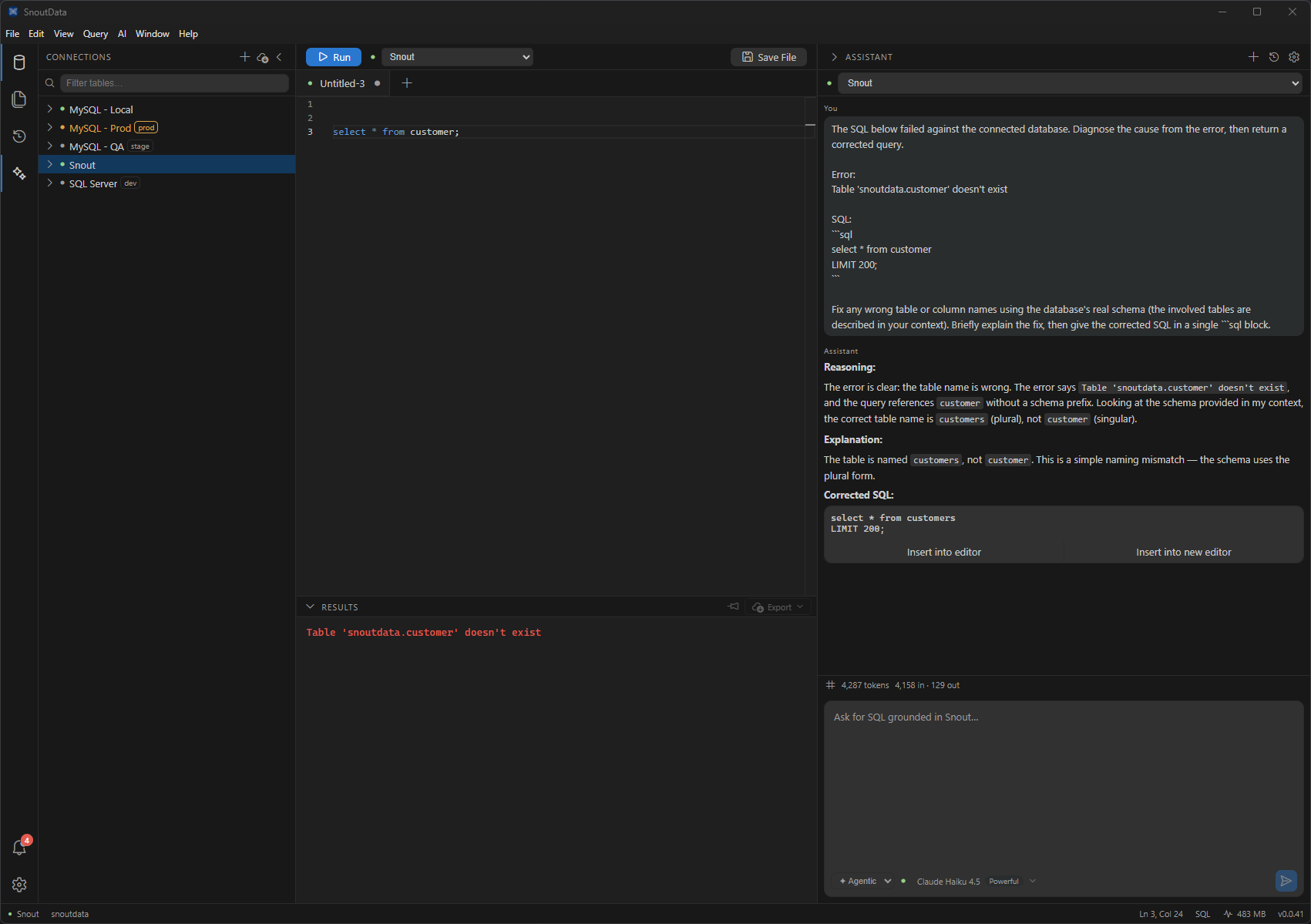
- AI: fix the last error, with your schema in contextA query failed? Run "AI: Fix Last Error." SnoutData hands the assistant the failed SQL, the exact error, and your real schema, and gets a corrected, runnable query back.